
Coin error identifier is a tool that many collectors look for when a coin looks odd. A line seems doubled. The strike looks weak. The design sits too far to one side. The surface feels wrong. People want a fast answer.
Most coin apps do not give a final verdict on mint errors. Their real value is different. They help identify the coin, compare it with similar pieces, review the main data, and decide what deserves a closer look. That is still useful. For many collectors, it saves time, cuts basic mistakes, and makes sorting much easier.
Why Collectors Look for Coin Checker Apps
The need is simple. A collector finds a coin and wants to answer three questions fast.
What is it? Is it normal? Is it worth checking further?
That happens in many everyday situations:
- A mixed box from a family member
- Loose foreign coins from travel
- Bank rolls
- Flea-market lots
- Slabbed coins bought online
- Modern coins with strange-looking details
The old method still works. Read the legends. Check the date. Compare the design. Measure the coin if needed. Use books or reference sites. That method is solid, but it takes time. A phone app shortens the first step. It can narrow the possibilities before the real review begins.
That matters even more with world coins. Similar portraits, shields, wreaths, animals, and numerals appear across many countries. A quick digital check helps separate one issue from another before a collector starts checking weight, edge, metal, and mintage.
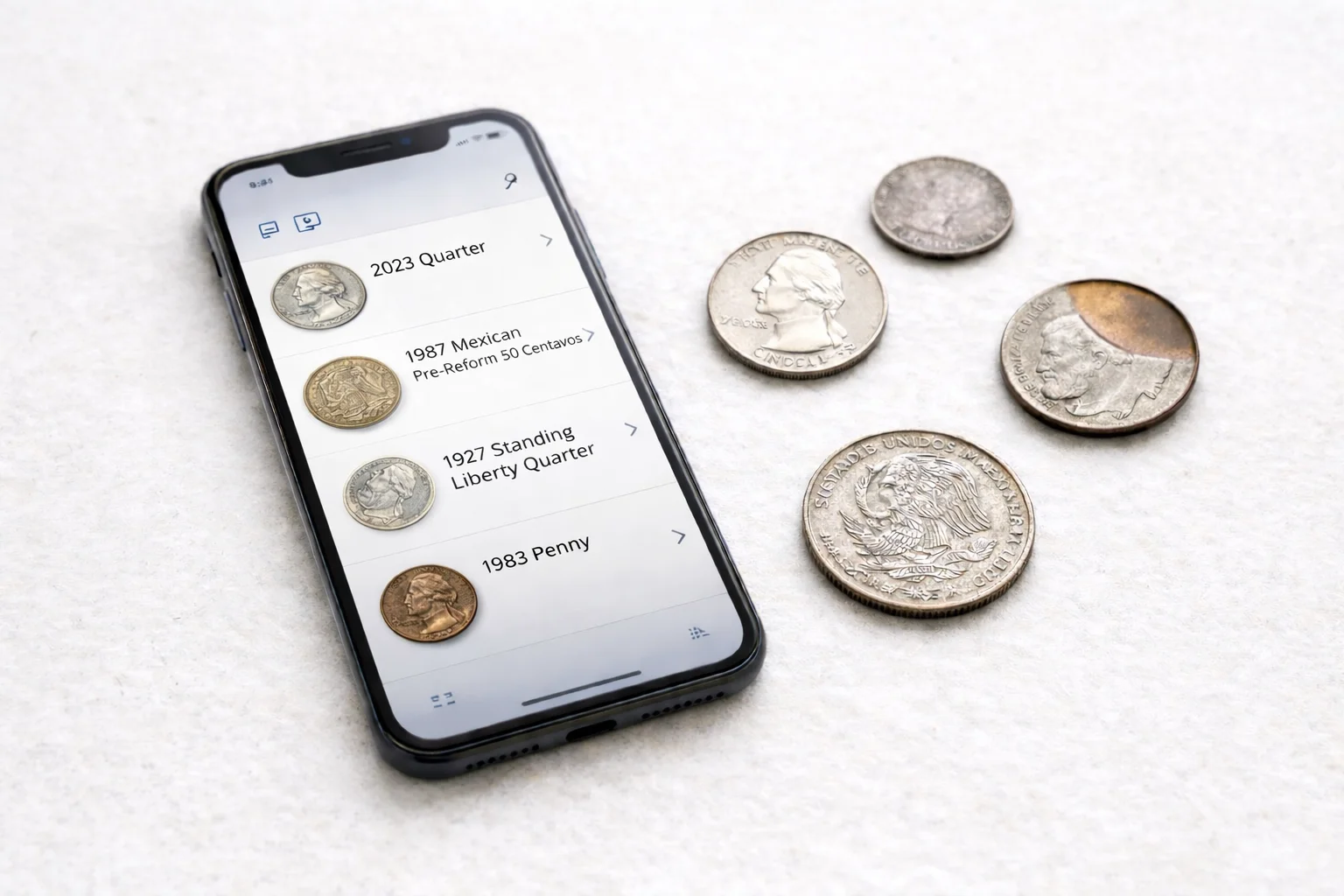
What These Apps Really Help You Find
A coin scanner app is most useful when it acts as a first-pass checker. It does not replace a loupe, a scale, or a careful eye. It does something else. It gets the coin into the right lane.
In practical terms, these apps help with five things.
Basic identification.
They match the coin to a country, denomination, type, and often the date or issue year.
Visual comparison.
They show similar coins. That helps when two designs look close at first glance.
Technical context.
Some apps add composition, diameter, weight, edge type, mint years, and broad value ranges.
Collection work.
Many tools let users save scans, sort coins, and build a digital record.
Certified-coin checking.
Some tools are built less for raw coin scanning and more for checking certification data, census numbers, and registry records.
The difference between these functions matters. A collector who sorts world coins from mixed lots needs one kind of checker. A buyer who studies slabbed material needs another.
A simple way to think about it is this:
| Task | What an app can do well | What still needs human review |
| Identify an unknown coin | Match the design to likely issues | Confirm with legends, weight, edge, and size |
| Review a strange detail | Show similar coins and known layouts | Decide if it is an error, variety, wear, or damage |
| Estimate value | Give a broad range of market context | Judge grade, eye appeal, and real sale strength |
| Organize a group of coins | Save scans and sort by type or region | Keep final records accurate |
| Check a slabbed coin | Verify cert data and images | Judge whether the holdered coin fits the asking price |
That is where the topic becomes clearer. Good checkers help you find the right coin, the right comparison, and the right next step. They do not turn every odd-looking coin into a confirmed rarity.
What They Do Not Confirm on Their Own
This is the part many beginners miss.
An unusual detail is not always a mint error. A weak letter may come from wear. A flat area may come from damage. Extra thickness can be machine doubling, not hub doubling. A stain can look dramatic and still mean nothing in numismatic terms.
A phone app can flag a coin as interesting. It cannot inspect metal flow, strike pressure, post-mint damage, and surface alteration the way a skilled collector can during close physical review.
Three distinctions matter most:
- Error: something went wrong during production.
- Variety: the coin matches a known die difference or design subtype.
- Damage: the odd look happened after the coin left the Mint.
That is why the best workflow is simple. Use the app first. Use your eyes second. Use expert review when the coin still looks important after both checks.
Three Useful Checkers For Real Collecting
Different apps cover different parts of the job. Some are broad photo tools. Some are research tools. Some are better for quick sorting than for serious verification.
Coin ID Scanner
Coin ID Scanner covers a broader daily workflow. The app identifies coins from a new photo or an uploaded image, then opens a structured coin card. It is built not only for scanning, but also for review and organization.
Useful features
- Photo ID from camera or gallery
- Coin card with country, denomination, years of minting, composition, edge, diameter, weight, and price
- Digital collection management
- Database of 187,000+ coins
- Smart filters
- AI Coin Helper
This gives the app more room for real collecting. A user can identify a coin, read the key data, compare the match with the physical piece, and keep the result in one place.
Advantages: broad coverage; strong everyday usability; detailed coin cards; useful for both raw coins and mixed world lots; practical for sorting, checking, and keeping records; stronger balance between scan, data, and collecting.
It is also more useful when a coin looks unusual. The app can narrow the type, reduce the number of look-alikes, and make manual review easier. That is a better role than pretending to give instant final attribution.
Limitations
- Require internet access
- No phone result should be treated as final proof for a serious error or variety.
As a routine checker, this is the most complete option in the group.
Coinoscope
Coinoscope works best as a quick visual checker. The app’s official listings say it identifies coins from a photo, shows possible matches, detects the issue year when visible, estimates value, and lets users save coins to a collection. It also offers similar coin comparison, which is one of its stronger everyday features.
Useful features
- Photo-based identification
- Similar-coin comparison
- Issue-year detection when visible
- Value estimates
- Saved coins and a small collection tracking
For many users, it feels close to a free coin identifier app at the entry level. The base version is enough for simple checks. The paid layer adds more depth.
Advantages: fast start; simple interface; good for modern coins and common world issues; practical for pocket change and small groups.
Limitations
- Less technical depth
- Weaker as a follow-up tool
- Not the best choice for deeper classification
Not strong enough on its own when a coin needs serious error review.
Coinoscope works best when the question is simple: what coin is this, or what is it close to?
The NGC App
The NGC tool serves a different purpose. Its official name is The NGC App, and it is built around certified coins. NGC says the app lets users scan a barcode on an NGC label or enter a certification number to verify the coin’s description and grade.
It also provides NGC Census data, NGC Price Guide values for US coins, images for nearly 20 million NGC-certified coins, Registry access, news and research, and submission tracking.
This makes it very useful, but in a narrower lane. It is not the app to use when you pull an unknown world coin from a tin and want a camera match. It is the app to use when a coin is already in an NGC holder or when you need to check census context, certification data, and related images.
Advantages: strong verification layer; useful for certified-coin checks; good for census review and market context; practical before buying slabbed material; adds confidence when checking holder data.
Limitations
- Not built for raw-coin camera matching;
- Less useful for inherited boxes, loose world coins, and casual sorting;
- Does not replace a photo-first checker for general identification.
Which One Fits Which Collector
The right choice depends on the collector’s routine. One app may be enough. In other cases, two tools work better together.
Beginner
A beginner needs a simple start. The scan flow should be clear. Results should appear fast. Too much detail at the first step can slow things down.
A quick visual checker works well here. It helps a new collector get used to basic identification. Coinoscope fits this role best.
World-coin hobbyist
This collector needs more than a fast match. World coins often look close to one another. Small design differences matter. The best fit here is photo ID, plus a large database, plus a clean coin card.
A broader checker is more useful in this case because it supports both recognition and review. Coin ID Scanner is a better option here.
Collector sorting many coins
This is a different task. Speed matters, but order matters too. The collector needs an app that not only finds coins, but also helps save and sort them.
That is where the collection workflow becomes important:
- Saved scans
- Structured cards
- Grouped results
- Easier follow-up
Coin ID Scanner works best for this kind of routine.
Buyer of slabbed coins
This collector needs a verification layer. A visual match is not enough. The holder data, grade, census context, and certification record matter much more.
A certified coin tool is the right fit here. The NGC App is the best choice for this job.
A Simple Workflow That Saves Time
The strongest routine is not complicated.
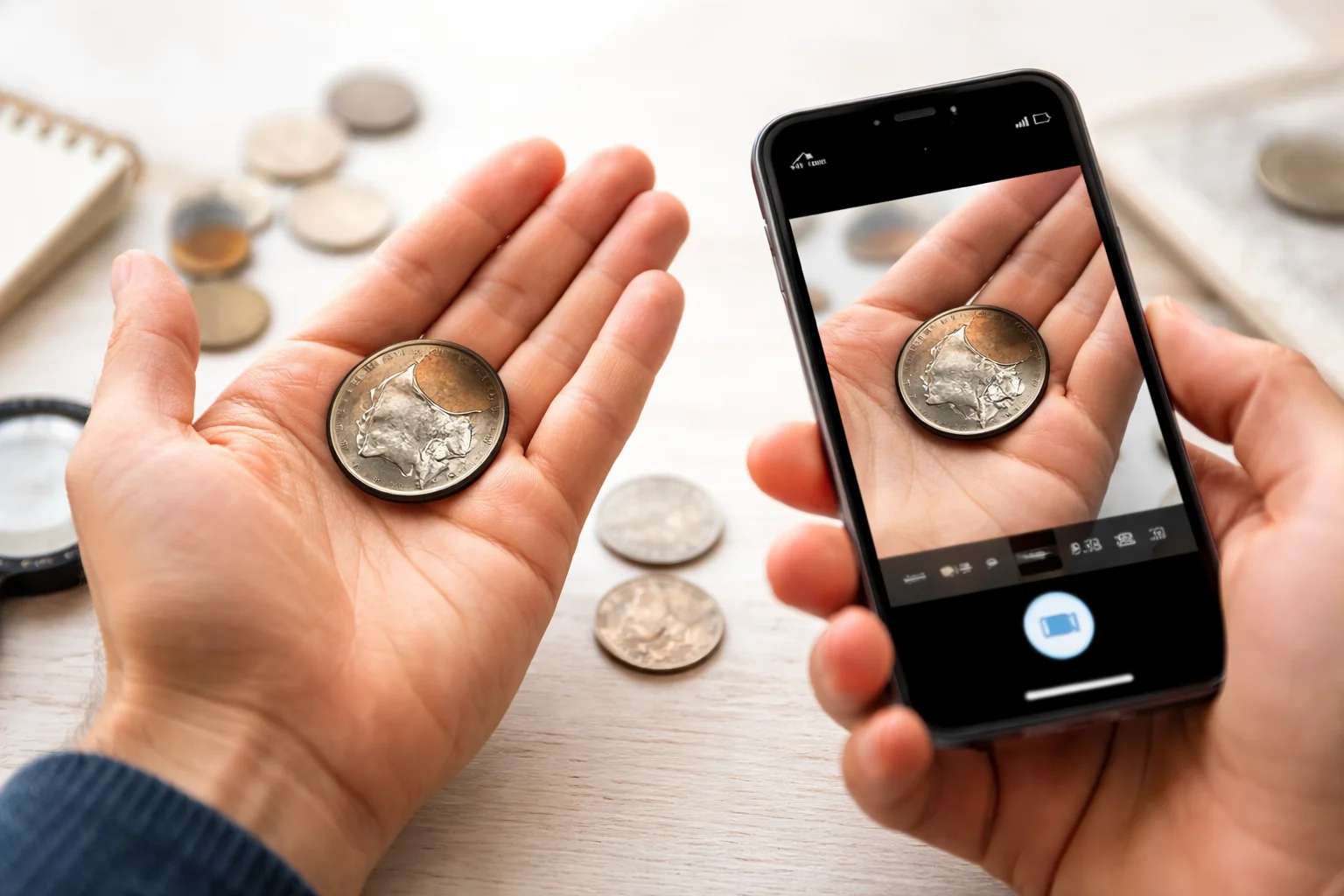
- Scan the coin and get the likely match.
- Check the date, legends, portrait, reverse, and edge against the physical piece.
- Save the coin if it belongs in a set or needs later review.
- If the coin looks unusual, compare it with normal examples before calling it an error.
- If the coin is certified, verify the holder data and census context.
- If the coin still looks important, move to manual inspection or expert review.
That routine cuts false alarms. It also keeps real opportunities from being missed.
Final Thoughts
Coin checker apps are useful because they narrow the field. They help collectors move faster, sort better, and check more coins with less wasted effort.
Their real value is practical. They identify. They compare. They organize. Some verify certified material. None should be treated as a final judge on a serious mint error by photo alone.
Used the right way, these apps do exactly what collectors need. They give the first answer. The final answer still comes from careful review.